



Creating a cozy and inviting home workspace is essential for anyone who works or studies from home. A well-designed space not only boosts productivity but also supports your well-being by making long hours feel pleasant rather than stressful. In this guide, we’ll share practical tips to help you craft a workspace that feels welcoming, comfortable, and inspiring.
Why a Cozy Workspace Matters
Your home office should be more than just a desk and a computer. It’s where ideas flow, tasks get done, and creativity sparks. When your workspace is inviting, you’re more likely to feel motivated, focused, and less stressed. Comfort can reduce fatigue, and a visually appealing environment can lift your mood.
Choose the Right Spot
Consider Natural Light
Position your workspace near a window if possible. Natural light helps regulate your sleep cycle and improves concentration. Avoid harsh glare on your screen by angling your desk or using light curtains.
Minimize Distractions
Select a quiet area where you can work without interruptions. If space is limited, create a dedicated corner, using room dividers or plants to separate your workspace from the rest of your home.
Furnish for Comfort and Efficiency
Invest in a Good Chair
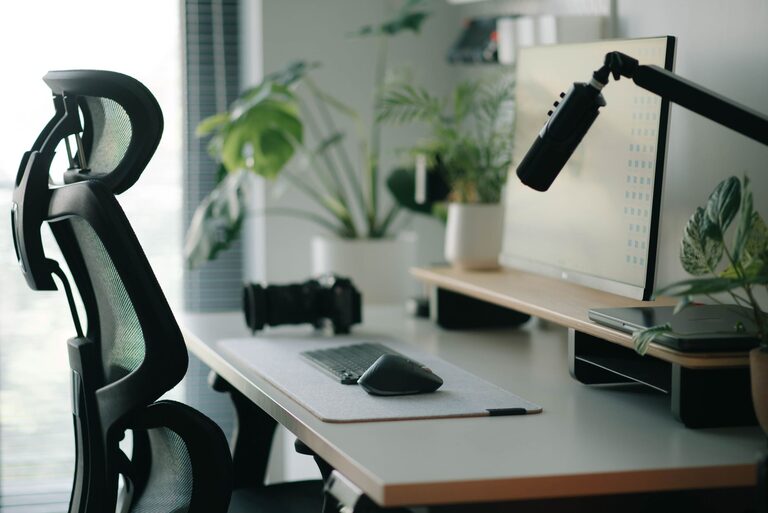
A comfortable, supportive chair is critical for maintaining good posture. Look for adjustable features to fit your body and desk height.
Opt for a Suitable Desk
Choose a desk that fits your needs—whether it’s a simple writing table or one with built-in storage. Standing desks or adjustable desks can also improve comfort and posture by allowing you to change positions.
Organize Your Space
Keep your workspace tidy with organizers, trays, or shelves. Clutter can be distracting, so having a place for everything helps maintain focus.
Add Personal and Cozy Touches
Soft Textiles
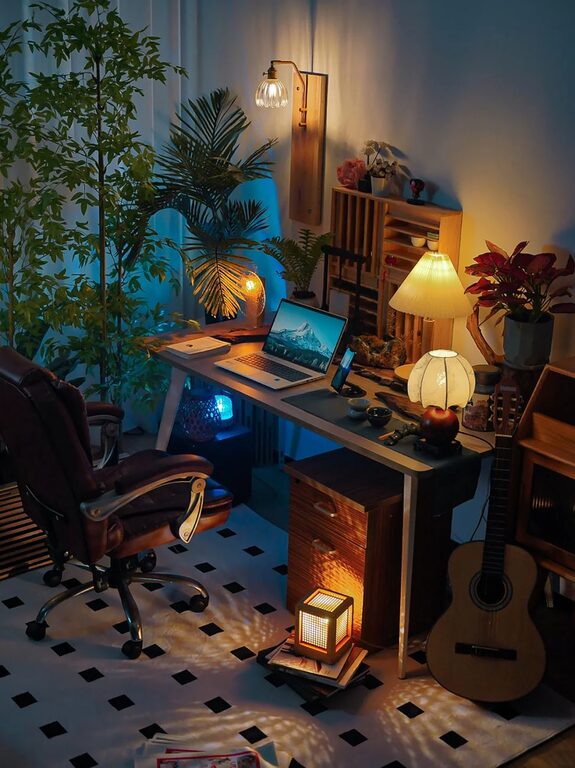
Incorporate cushions, a small throw blanket, or a cozy rug. These items add warmth and softness, making the area feel inviting and less sterile.
Houseplants
Plants not only add a splash of color but also improve air quality and reduce stress levels. Choose low-maintenance varieties like succulents or snake plants if you’re new to plant care.
Warm Lighting
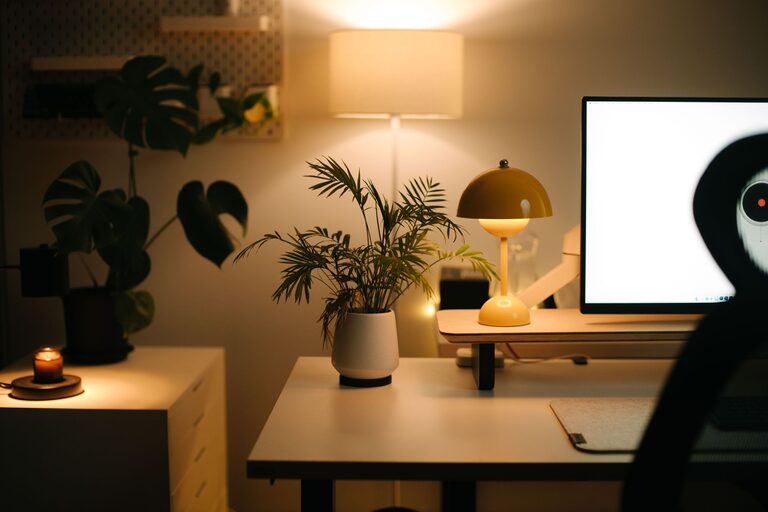
Use soft, warm-toned light bulbs instead of harsh white fluorescents. Desk lamps with adjustable brightness can help reduce eye strain, especially in the evenings.
Art and Inspiration
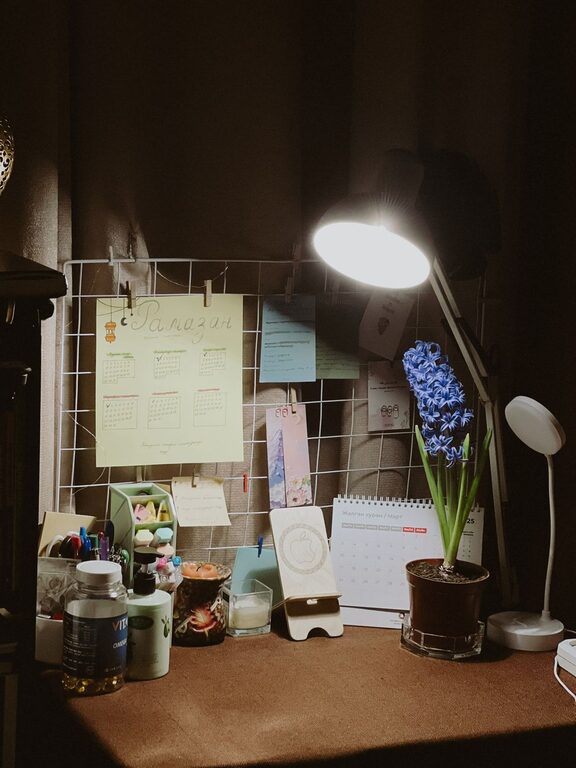
Decorate with artwork, photographs, or motivational quotes that inspire you. Personal touches can create a workspace that feels meaningful and stimulating.
Optimize for Productivity
Set Up Ergonomically
Ensure your monitor is at eye level and your keyboard and mouse are positioned to keep your wrists straight and elbows close to your body. Ergonomics prevent discomfort and injuries over time.
Use Technology Wisely
Invest in quality tools like a good keyboard, mouse, and headset if needed. Consider noise-canceling headphones to block distractions.
Manage Cables
Tidy cables with clips, sleeves, or under-desk trays. A neat setup is both safer and more visually appealing.
Create a Routine and Boundaries
Define Work Hours
Stick to a schedule to separate work from personal life. Closing your workspace at the end of the day can help you unwind.
Take Breaks
Step away from your desk regularly to stretch, hydrate, and relax. Small breaks improve focus and reduce fatigue.
Keep It Flexible
If you share space or have limited room, consider portable or multi-purpose furniture. Folding desks, rolling carts, or lap desks offer options for changing your setup as needed.
—
By thoughtfully designing your home workspace, you create an environment that supports both productivity and a sense of comfort. Remember, the goal is to blend function with personal touches that make you feel happy and focused. With these tips, your workspace can become a place you enjoy spending time every day.