


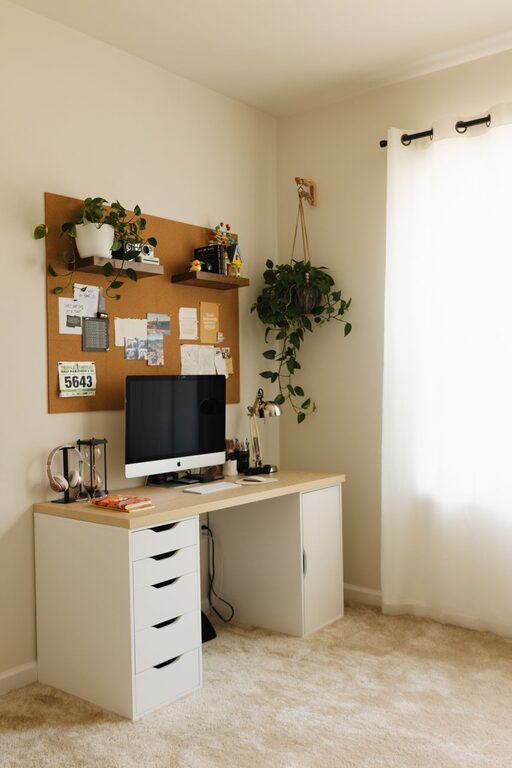
Creating a productive home office environment is essential for anyone working from home or managing projects remotely. A well-designed workspace helps increase focus, reduce distractions, and maintain a clear boundary between work and personal life. Whether you have a dedicated room or just a small corner, there are several strategies you can use to make your home office more efficient and enjoyable.
Choose the Right Space
The first step is selecting an area in your home that suits your work style.
– Quiet and Private: Pick a spot with minimal noise and foot traffic if possible.
– Natural Light: A room or area near a window can improve mood and reduce eye strain.
– Separation: Avoid spaces that are overly connected to high-activity areas like the kitchen or living room.
If space is limited, consider using room dividers or noise-canceling headphones to create a sense of separation.
Invest in Comfortable and Ergonomic Furniture
Your furniture greatly influences your ability to work productively and comfortably throughout the day.
– Ergonomic Chair: Choose a chair that supports good posture and reduces back strain.
– Desk Height: Ensure your desk height allows you to keep your arms at a 90-degree angle while typing.
– Monitor Position: Place your computer monitor at eye level to prevent neck strain.
– Adjustable Equipment: Consider standing desks or adjustable monitor stands to change positions during the day.
Comfort shouldn’t be compromised, as discomfort can lead to fatigue and distract from work tasks.
Organize Your Workspace
An organized desk reduces distractions and makes it easier to find items when you need them.
– Declutter Regularly: Keep only essential items on your desk to maintain focus.
– Use Storage Solutions: Shelves, drawers, and desk organizers help keep papers and supplies tidy.
– Digital Organization: Manage digital files systematically to avoid wasting time searching for documents.
Labeling storage containers or using color coding can also improve efficiency.
Manage Lighting Effectively
Proper lighting helps reduce eye fatigue and creates a pleasant work atmosphere.
– Natural Light First: Whenever possible, position your workspace to utilize natural daylight.
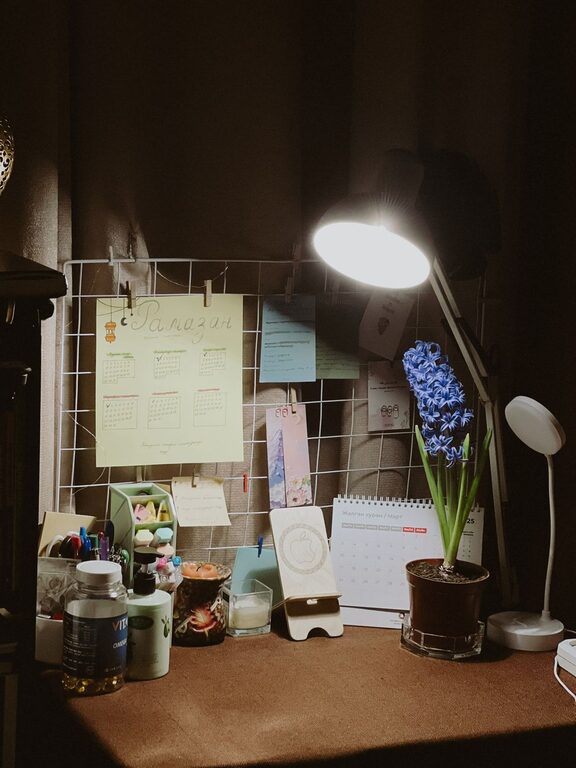
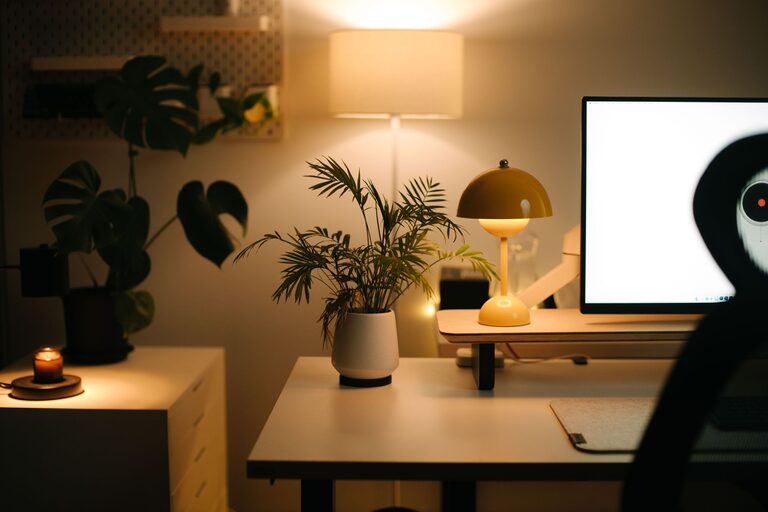
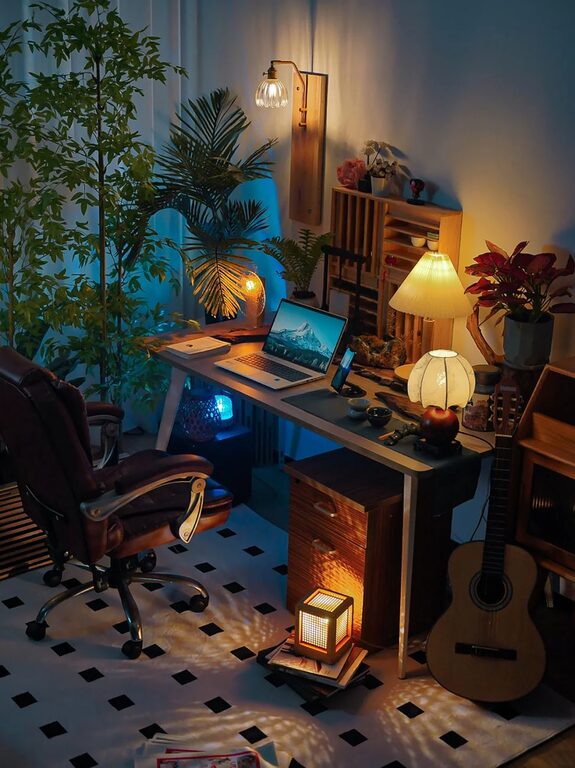
– Task Lighting: Use desk lamps for additional lighting, especially if working in the evening.
– Avoid Glare: Position screens and lights to prevent glare on your monitor.
Adjustable lighting options can help you maintain comfort throughout the day.
Minimize Distractions
Staying focused at home can be challenging with everyday distractions.
– Set Boundaries: Communicate your work hours to family or roommates to minimize interruptions.
– Limit Noise: Use noise-canceling headphones or white noise machines to block distractions.
– Turn Off Non-Essential Notifications: Silence phone alerts or social media notifications during work time.
Creating a dedicated workspace helps signal to yourself and others that it’s time to focus.
Personalize Your Space
Adding personal touches can make your workspace inviting and motivating.
– Inspiring Decor: Hang up artwork, quotes, or photos that make you feel positive.
– Plants: Indoor plants improve air quality and add a calming presence.
– Comfort Items: Include items like a cozy blanket or a favorite mug for a touch of comfort.
Personalization can help increase job satisfaction and productivity.
Maintain a Healthy Routine
A productive environment is supported by healthy habits and routines.
– Regular Breaks: Take short breaks every hour to stretch and rest your eyes.
– Hydration and Snacks: Keep water and healthy snacks nearby to maintain energy.
– Exercise: Incorporate physical activity into your day to stay energized and focused.
Using a timer or scheduling software can remind you to take breaks and maintain work-life balance.
Leverage Technology Wisely
Equip your home office with reliable technology to support seamless workdays.
– High-Speed Internet: Ensure your internet connection is fast and stable.
– Productivity Tools: Use apps for task management, note-taking, and time tracking.
– Backup Solutions: Regularly back up important files either to the cloud or an external drive.
Keeping your technology updated helps prevent unnecessary delays or frustrations.
—
By implementing these tips, you can create a home office environment that supports productivity, comfort, and well-being. Remember that your workspace should evolve with your needs, so review and adjust your setup periodically to keep it effective. With the right environment, working from home can be both efficient and enjoyable.